Add local Administrator to Intune enrolled devices
Step-by-step
3/17/20241 min read
How to easly add an EntraID account as local administrator on Intune enrolled Windows device/s:
Log in to Intune and select "Endpoint Securtiy"
Click on "Account Protection"
Select Create New Policy, plattform WIndows 10 and Later
As profile, select Local group membership and click Create
Give the policy a name, click next
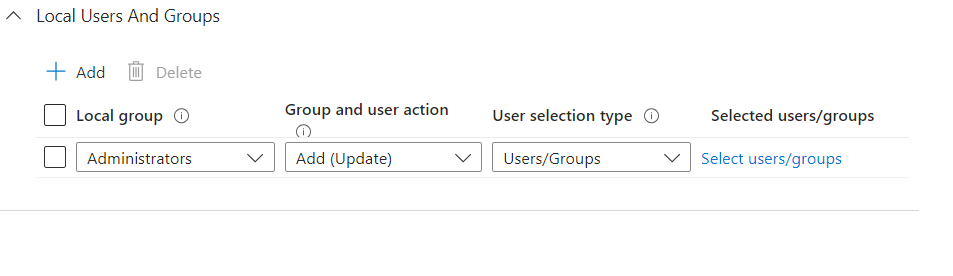
Now you can Add /Remove users meberships of differnt local groups.
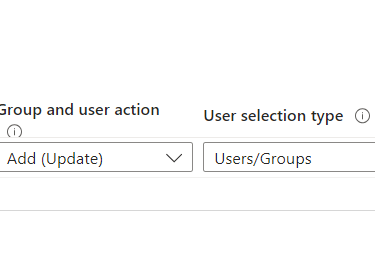
In this scenario choose Administrators - Add(update) and User/groups.
Select which user/s you want to add and assign this policy to a singel computer or a group of computers.
Wait for the sync to happen (or force a sync) and that's it! The selected users are now local administrators on the assigned computers.
Go for it ! 😊