How to configure Android Enterprise standard profile
How to configure the standard profile. How to unlik Intune fron Android Enterprise.
7/4/20241 min read
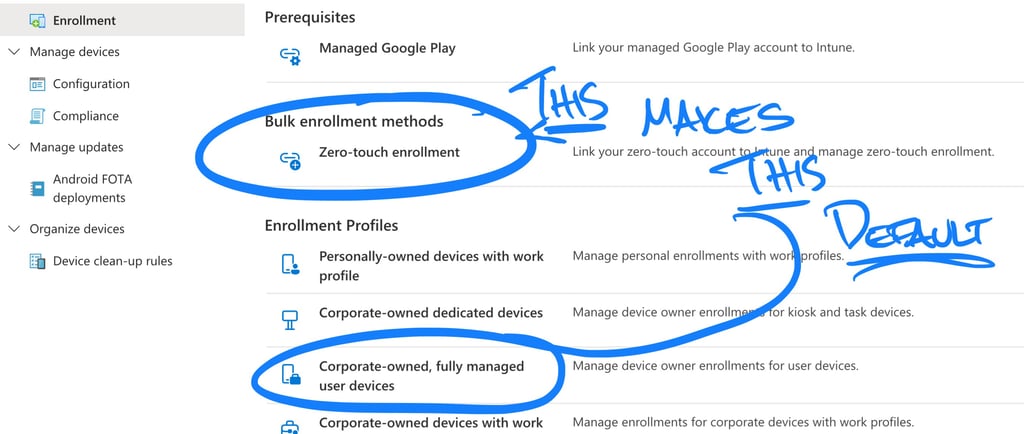
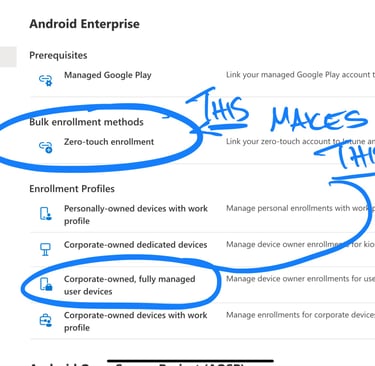
When setting up Android Enterprise [AE] zero touch enrollment and configuration profiles for your devices, you need to be aware of that:
If you use the Intune [iFrame] Zero Touch enrollment to connect to AE , the the buildt-in "Enterprise" profile will be standard profile for ALL your devices. This profile points to the Corporatly Owned Fully managed with Work Profile in Intune. So if you are not planning on using that profile.,.... you need to unlik the Intune connection.
When adding the Enrollment token in AE , it is the token id that need to be added, not the profile name
If you already linked Intune with AE then you can easily remove the link in AE without any issues, it is pretty straightforward. As you unlink, you will see that the buildt-in Enterprise Profile will be removed.
You can now create your own profile and mark it as standard in AE.
Go 4 IT! 😊