How to configure Windows device attestation enrollment hardening for Intune
How to configure device attestation restrictions? What is device attestation ?
7/26/20242 min read
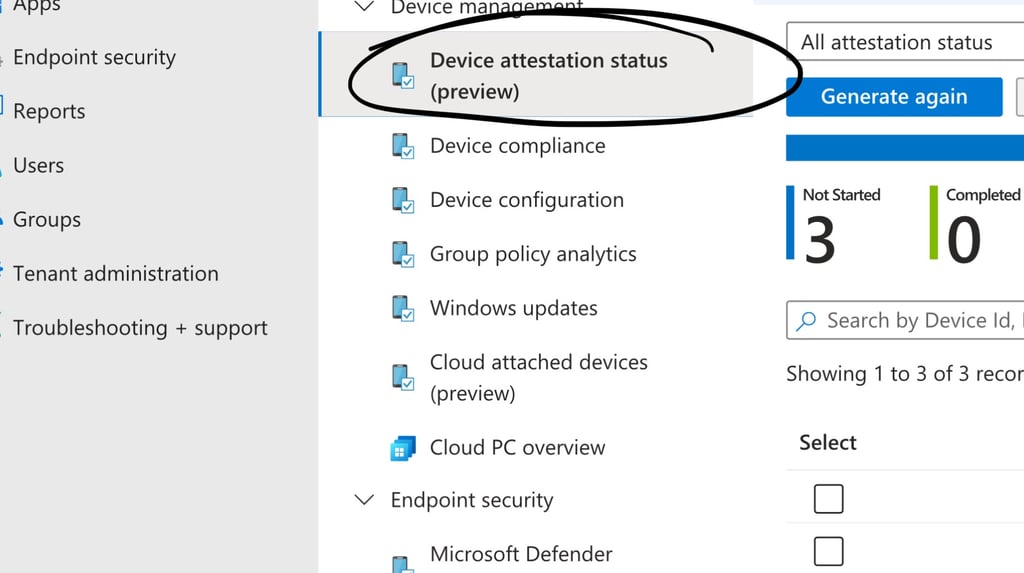
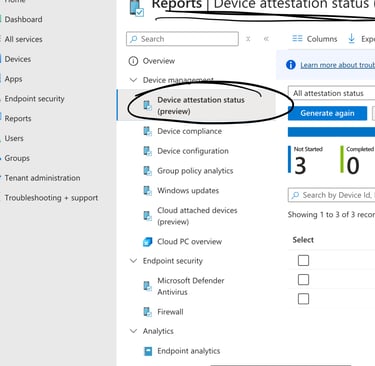
Ok…. So what is the deal with Device Attestation in Intune? Let’s break it down!
A quick note on what you need to make it happen:
If you are running Windows 10 (hopefully not..)
10.0.19045.3996+ or later
If you are running Windows 11 (well done!) :
10.0.22000.2713+
10.0.22621.2792+
10.0.22631.2792+
Other important bits:
Minimum TPM 2.0 on devices
Physical devices are supported.
Virtual machines cannot attest
Ok, so let's get going!
As you may know, there are Compliance Policies in Intune that asks the devices what the ”health” is. This relates to ” is Bitlocker enabled?” Is ”Secure Code enabled?” Is ”Code integrity activated?” What OS build version is installed? ”etc, etc.
Based on the answer to these questions, the device will be tagged compliant or not. That’s easy enough? However, this does not protect from a rougue device that is impersonating a valid device to enroll to Intune.
When a device enrolles to Intune, a certificate (containing enrollment details) is downloaded to the device and this certificate is stored in the software key storage provider. The issue with this is that the certificate can be exported and used on a device that is not enrolled.
Now, that’s a pretty big security issue.
Soloution: Device attestation!
Instead of storing the certificate in the software key storage provider, now the certificate can stored in the TPM. The certificate cannot be exported when stored in the TPM. NICE !!! 😁
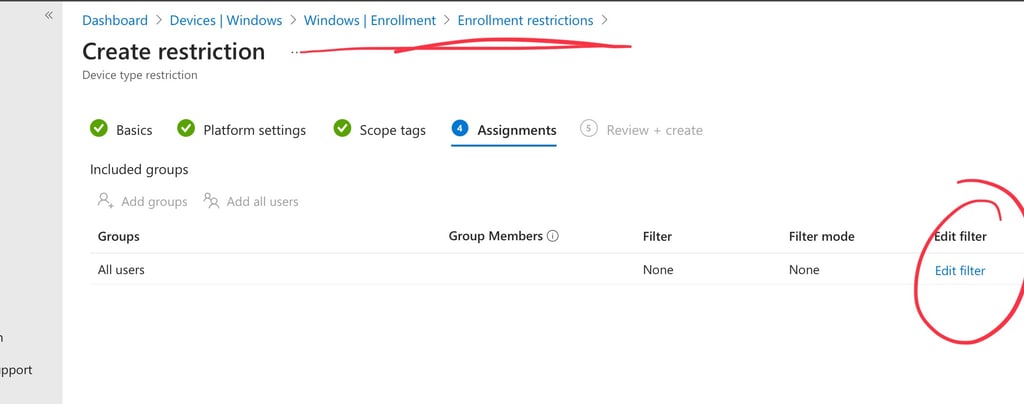
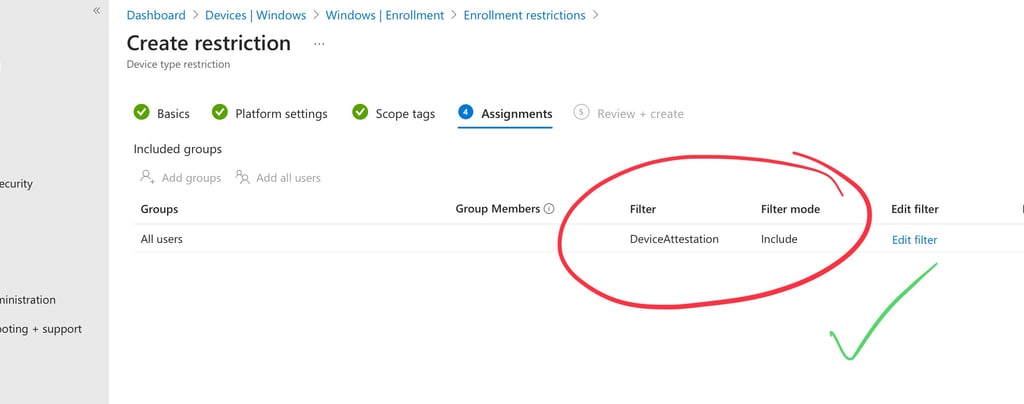
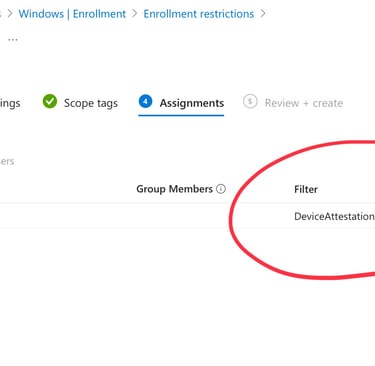
So how can we utilize this ? Well….. by creating a filter in Intune , we can then add that filter to the enrollment restrictions which means that all devices that wants to enroll must have device attestation enabled.
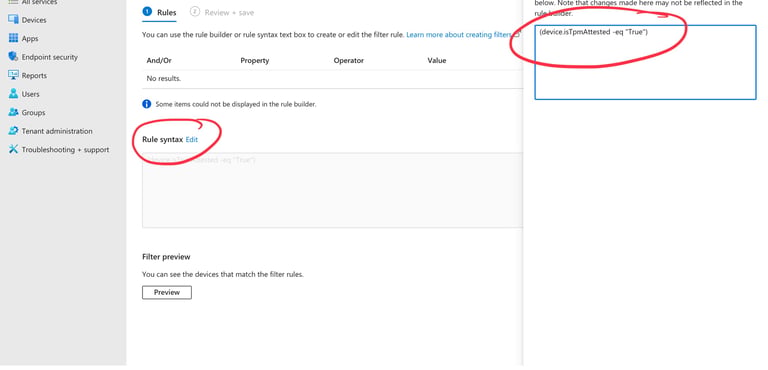
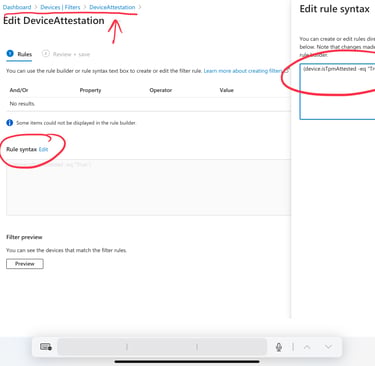
Create a new device filter with the following rule:
(device.isTpmAttested -eq "True")
(Note: you need to type the rule manually as it is not availiable in the rulebuilder yet)
You can then use this as a rule in the device enrollment enrollment to control the enrollment process.
Assign your new filter to be Included in the rule.
When a device try to enroll and does not have device attestation , the device will get an error and will not be able to enroll !
That is how you can enhance your Intune enrollment security !
Go 4 it ! 😊