How to disable Windows Recall
The new Recall service in Windows can be disabled, this blog shows how to do it
5/24/20241 min read
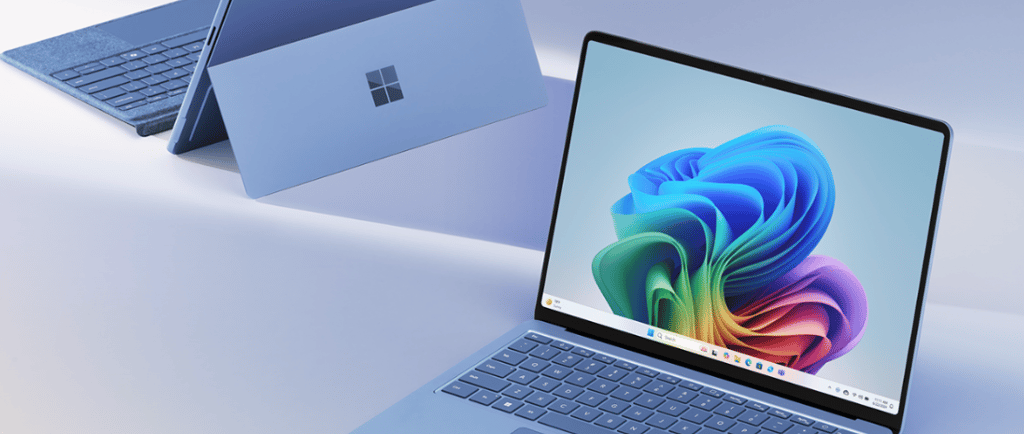

Recall relies on snapshots and is, for now, only on Copilot+PC devices (basically all new Surface devices with a Copilot button on the keyboard)
Recall takes snapshots every five seconds if the screen content is changed, the snapshot are then saved to a local file which is protecded by Bitlocker encryption and is not accessable to other users on the device.
Recall can be disabled by creating a new GPO :
User Configuration > Administrative Templates > Windows Components > WindowsAI > Turn off saving snapshots for Windows
The CSP for Recall:
./User/Vendor/MSFT/Policy/Config/WindowsAI/DisableAIDataAnalysis
Go 4 it ! 😊