What Is Conditional Access in Microsoft Entra ID And How To Use It? A Practical Guide. Part 1
Learn what Conditional Access really is in Microsoft Entra ID, how it works with Intune, and why it’s critical for modern identity security.
2/11/20262 min read
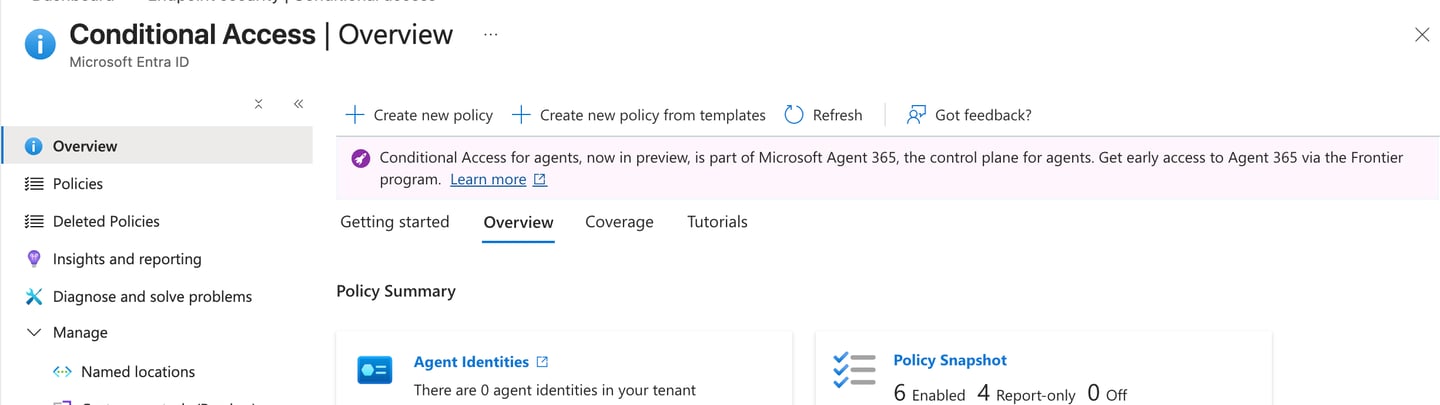
Lets get started with Conditional Access ( Part 1 )
If you work with Microsoft 365 or Intune, you’ve already seen Conditional Access referenced everywhere: Require compliant device, Enforce MFA, Block legacy authentication, Zero Trust. Yet many IT pros still treat Conditional Access as an Intune feature, a security checkbox, or something that magically enforces device security. None of those are correct — and that misunderstanding is the root cause of many broken environments.
What Conditional Access Actually Is
Conditional Access (CA) is a policy decision engine that lives in Microsoft Entra ID. Its only job is to answer one question: Should this sign-in be allowed — and under what conditions?
Conditional Access evaluates:
• Who is signing in
• What they are trying to access
• From where and under what conditions
• What must be true before access is allowed
The output of Conditional Access is not enforcement on the device. The output is a token decision.
What Conditional Access Is NOT
Conditional Access is not:
• A device management tool
• A DLP engine
• A replacement for Intune
• A configuration enforcement mechanism
It cannot inspect registry settings, enforce firewall rules, control clipboard actions, see individual compliance rules, or apply security settings after login.
The Correct Mental Model
Think of the Microsoft security stack like this:
Intune → manages devices
Entra ID → manages identity
Conditional Access → decides access
Intune defines posture. Conditional Access evaluates trust. Conditional Access does not ask why a device is secure — only whether it is trusted enough to issue an access token.
When Conditional Access Is Evaluated
Conditional Access is evaluated at authentication time, during token issuance. It runs before the user reaches the application and does not continuously monitor sessions.
If a user already has a valid token, Conditional Access will not re-evaluate until that token expires. This is by design and explains why policy changes are not always immediately visible.
Why Intune Alone Is Not Enough
Intune can configure devices, enforce settings, assess compliance, and deploy apps. However, Intune cannot block sign-ins, enforce MFA at the identity layer, evaluate identity risk, or stop access from unmanaged identities.
Conditional Access acts as the gatekeeper that determines whether the sign-in meets security requirements.
Common Early Mistake
Many organizations assume that if a device is managed in Intune, it is secure. They then create overly strict Conditional Access policies without fallback access paths, ignore browser scenarios, or add excessive exclusions. The result is broken access and loss of trust in Conditional Access.
Key Takeaway
Conditional Access is not a security feature by itself. It is a decision engine that evaluates sign-ins and issues tokens based on trust signals.
Go 4 IT ! 😀